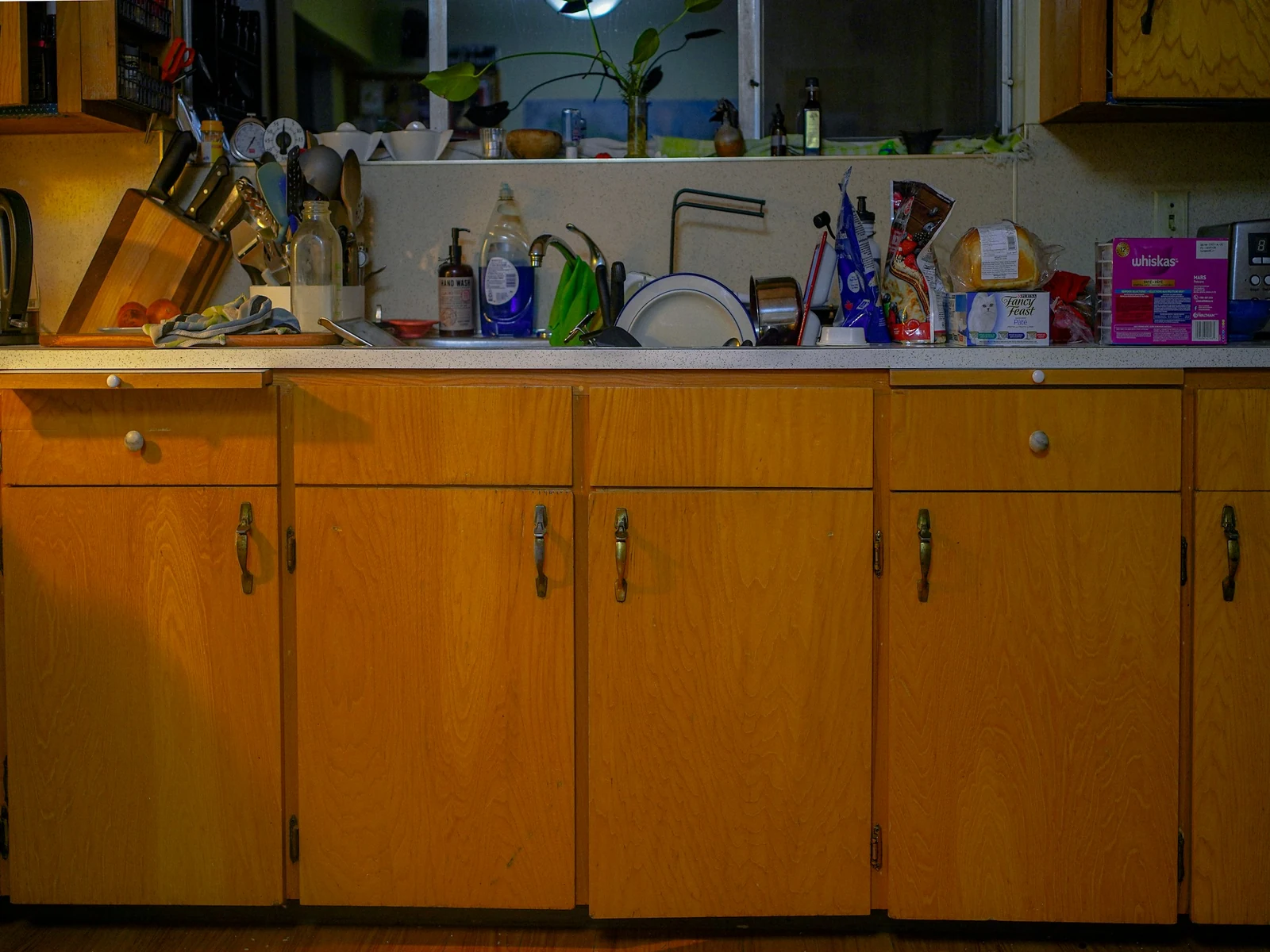
It starts with one cup. You finish your cafecito Monday morning and leave the cup in the sink because you'll wash it later. Tuesday there's a plate on top of it. By Friday the sink is full and washing one cup has turned into an hour of scrubbing.
That's the cost of ignoring small website problems. Each one feels too minor to deal with today, so it goes on the "I'll fix it later" list. Later keeps moving. In 12+ years and 100+ sites worked on, I've learned that the sites that end up needing a rebuild rarely got there in one bad day. They got there one small skipped fix at a time.
The Short Answer
The cost of ignoring small website problems is that they compound. A broken link, an outdated price or a slow page each costs you a little trust and a few visitors. Left alone, they pile up into a stale site people stop believing in. A fix that would have taken minutes turns into a full rebuild.
If You're Reading This Because It's Your Site
Reading more isn't the hard part. La Jugada is $47 and it tells you which layer this is actually sitting in.
Get it, $47What Counts as a Small Website Problem?
Small problems are the ones that don't stop the site from loading. Everything still technically works. The site gets a little worse every week.
A few of the usual ones:
- A link that goes to a page that doesn't exist anymore.
- A price, package or service that changed and never got updated on the site.
- A testimonial from years ago sitting next to an offer you don't sell anymore.
- A form that sends to an inbox nobody checks.
- A page that loads a little slower every time someone adds another plugin or a giant image.
- A copyright year in the footer that gives away how long it's been.
None of these feels urgent. That's exactly why they stay.
Across 100+ sites in 12+ years, I've made plenty of website mistakes myself. That's the only reason I can spot these quickly now.
Why Do Small Website Problems Compound?
One cup in the sink is nothing. The problem is what the cup does to the next decision. Once there's one dish, a second one doesn't feel like a big deal. Your site works the same way.
One problem makes the next one easier to ignore. When one page is already a little out of date, updating the next one feels pointless. The bar drops a little every time.
Problems start touching each other. An old service page links to a pricing page that changed, which points to a form that sends to the wrong inbox. Now fixing one means fixing three. Ay, mija, that's when "five minutes" becomes a weekend.
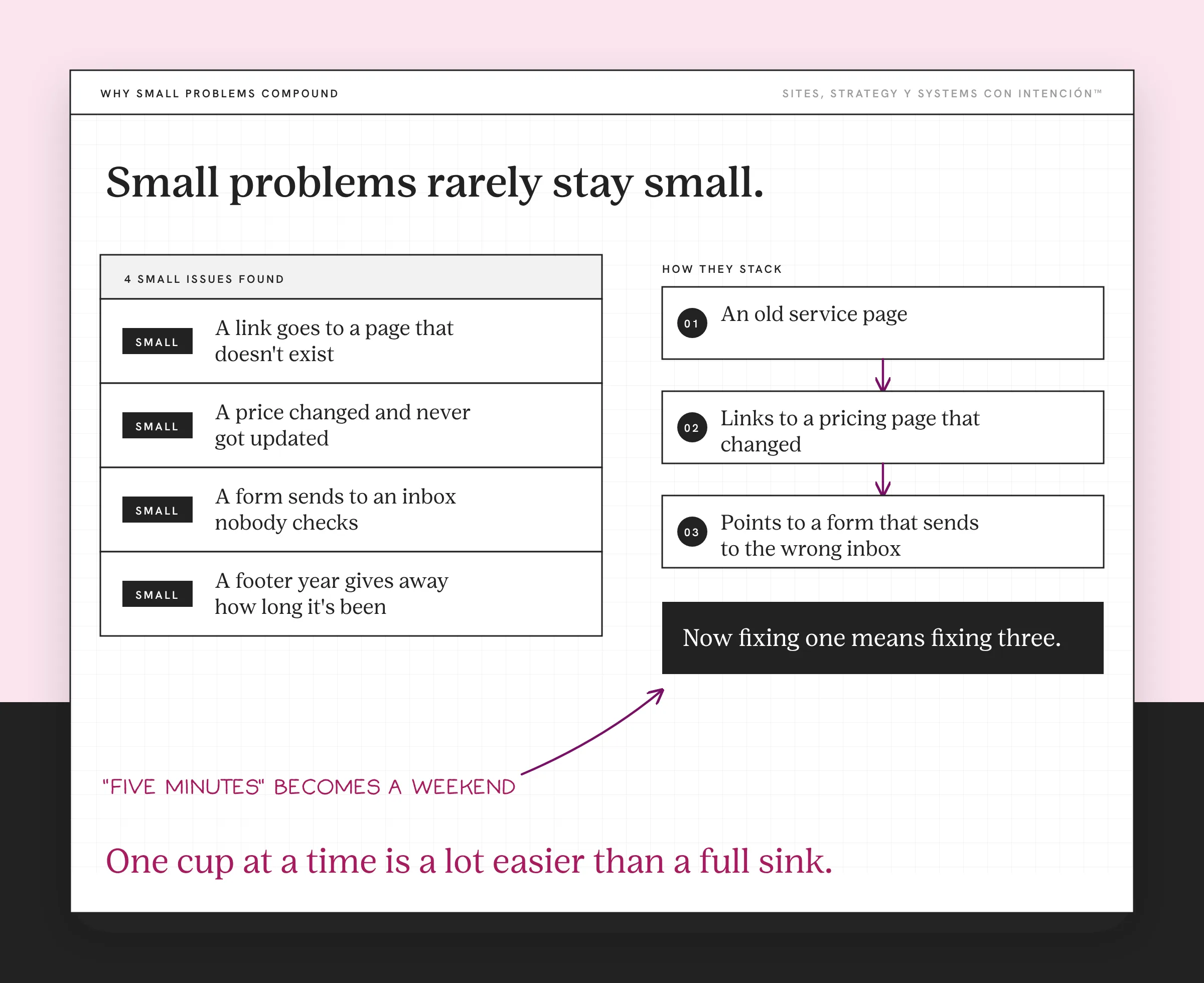
You stop looking. When you know the site has issues, opening it feels bad, so you open it less, the same way you avoid checking analytics that stress you out. Fewer looks means more problems you don't even know about.
Eventually the pile decides for you. One small fix at a time stops being possible. The theme won't update, the pages don't match each other and nothing is current. That's when people find themselves talking about a rebuild they never planned for, even though an audit should come before a redesign. If you're already there, when to stop optimizing and rebuild your website walks through that call.
I've seen this exact pile on a client site. Nobody had updated the plugins, the pages had been patched one at a time, old offers and prices were still up and some pieces had broken without anyone noticing. None of it was big on its own. Together, it meant patching had stopped working and the site needed a rebuild.
What Is the "I'll Fix It Later" Tax Costing You?
You don't get a bill for it. You pay it in ways that are easy to miss.

Trust. A visitor who hits a broken link or an old price starts wondering what else is out of date and what your website says about your business. Eso sí, they won't tell you. They'll just leave a little less sure about you.
Inquiries. A form that sends to the wrong place or a booking link that doesn't work loses the people who were already ready to reach out. Those are the most expensive visitors to lose.
Time. Each fix you skip gets bigger while it waits. Small updates done on the spot take minutes. The same updates done all at once after a year can take days.
Money. When the pile gets big enough, the fix becomes a project. A site that drifts long enough turns into an outdated website. Bringing one back costs far more than keeping it current would have.
Confidence. It's hard to send people to a site you're embarrassed by. So you share it less, mention it less and lean on referrals that still have to land somewhere.
How Do You Stop Paying the Tax?
Wash the cup when you use it. For your site, that means a small habit that catches problems while they're still small. Small and boring is underrated in website strategy.
- Pick a monthly date. Put a recurring reminder on your calendar to look at your site. The website metrics that matter covers which numbers to check while you're there.
- Click through your main pages. Homepage, services, about, contact. Make sure every link goes where it should.
- Check the facts. Prices, packages, services, bio and testimonials. Update anything that changed, because Stanford's 2002 credibility guidelines tie current content to trust.
- Test the form and the booking link. Fill them out yourself and make sure the message arrives.
- Check speed on your phone. Google's free PageSpeed Insights will flag a page that's getting slow.
- Fix what you find that day. If something is too big to fix in the moment, write it down with a date so your list doesn't turn into the audit mistake that actually costs you.
Nobody brags about a monthly site check, diache. It's still what keeps a small problem from becoming a big one.
If the monthly check keeps turning up the same issues, the build may be the problem. A website that needs constant updates explains why some sites are harder to keep current than others. If you want a quick read on whether your site is pulling its weight at all, try would you fire your website.
What to Do This Week
- Open your site on your phone and click every link on your homepage.
- Write down every small problem you find, even the ones that feel silly.
- Fix the two that touch inquiries first, like a broken form or an outdated price.
- Set your monthly reminder before you close the tab.
One cup at a time is a lot easier than a full sink, pues.
Key Takeaways
- Small website problems compound. Each one makes the next easier to ignore.
- The "I'll fix it later" tax shows up as lost trust, lost inquiries, lost time, bigger bills and less confidence in your own site.
- Left long enough, small problems turn a quick fix into a rebuild.
- A short monthly check that fixes things the same day keeps the pile from growing.
I've got a pile of small fixes. Which one goes first?
Answer five questions and share your link. In about 10 minutes you'll have a personalized read on your site, your marketing and your backend plus the first move worth making, on a private page. $47 and no call.
Want more like this in your inbox? Off the Clock is my week-ish newsletter about websites, systems and burnout-free business.
Frequently Asked Questions
What happens if I ignore small website problems?
They add up. A broken link, an outdated price or a slow page each makes visitors trust the site a little less. Over time the problems connect, so fixing one means fixing several. Left long enough, a site full of small issues can need a full rebuild that a few minutes of regular upkeep would have prevented.
How often should I fix small issues on my website?
Check your main pages once a month and fix what you find the same day when you can. Update content whenever your business changes, like new services or prices. A short, regular check is easier and cheaper than letting problems pile up for a year.
What are the most common small website problems?
Broken links, outdated prices or services, old testimonials, forms that send to the wrong inbox, slow-loading pages and an old copyright year in the footer. None of them takes the site down. Each one makes visitors a little less sure that the business is current and paying attention.
When do small website problems turn into a rebuild?
When the problems can't be fixed one at a time anymore. If the theme won't update, pages contradict each other and most of the content is out of date, a rebuild may cost less than repairing everything piece by piece. A regular maintenance habit is the best way to avoid reaching that point.
Can I fix small website problems myself?
Often, yes. Updating text, prices and links is something you can usually do in your website platform. Testing forms and checking page speed takes minutes. If your site makes even small changes hard, that's a sign the build itself needs attention.
About the Author